Master key concepts of web designing. Enroll today to learn from a skilled web designer.
Master the fundamentals of data analytics and learn how to use it for retrieval of business insights.
our top hiring companies







CURRICULUM & PROJECTS
Web Designing Training Program
- What is HTML
- What is a Web Browser
- What are Versions of HTML
- What can you Do with HTML
- HTML Development Environments
- Writing Code with a Text Editor
- Rules of Syntax
- Making your Code Readable
- Making your Code XHTML Compliant
- Building a Document
- Using Colors
- Adding Color to your Page
- Using Headings
- Using Paragraphs
- Aligning Block-Level Elements
- Displaying Preformatted Text
- Formatting with Inline Elements
- Controlling Fonts
- Introducing List Elements
- Creating Unordered Lists
- Creating Ordered Lists
- Building a Table
- Cell Padding and Cell Spacing
- Controlling Table and Cell Width
- Aligning a Table on the Page
- Aligning Tables and Text
- Aligning Table Data
- Spanning Columns and Rows
- Understanding and Using URLs
- Linking to a Web Document
- Linking to a Local Document
- Linking to Anchors
- Opening a New Browser Window
- Inserting Inline Images, Image Map, Sprite Image
- Aligning and Formatting Images
- Using Images to Anchor Links
- Creating a Look-and-Feel
- Sizing Images
- Using Transparent Images
- Using GIF Animation
- Forms and Form Elements
- Form Actions, Form Methods, Form Design
Get full course syllabus in
your inbox
- Laying out a page with HTML5
- Page Structure
- New HTML5 Structural Tags
- Page Simplification
- New Features of HTML5
- The HTML5 Spec(s)
- Current State of Browser Support
- The section Tag
- The article Tag
- Outlining
- Accessibility
- Supported Media Types
- The audio Element
- The video Element
- New Input Types
- autocomplete
- novalidate
- required
- placeholder
- autofocus
- autocomplete
- form
- pattern
- New Features of HTML5
- The HTML5 Semantic Element
- Current State of Browser Support
- The section Tag
- The article Tag
- The header Tag
- The Footer Tag
Get full course syllabus in
your inbox
- Inline
- Internal
- External
- ID
- Class
- Attribute
- Grouping
- Universal
- RGB Value
- Hex Value
- Color Name
- background-color
- background-repeat
- background-attachement
- background position
- background-size
- background-image
- Margin-top
- Margin-bottom
- Margin-left
- Margin-Right
- Padding -top
- Padding -bottom
- Padding -left
- Padding Right
- Outline-style
- Outline-color
- Outline Width
- Outline-Offset
- Outline Shorthand Property
Get full course syllabus in
your inbox
- Border
- border-radius
- Text-shadow
- Box-shadow
- transition
- transition-delay
- transition-duration
- transition-property
- transform
- matrix ()
- translate (x, y)
- scale (x, y)
- rotate(angle)
- skew (x-angle, y-angle)
- @keyframes
- animation
- animation-direction
- animation-duration
- animation-name
- CSS combinations
- Pseudo Elements
- Linear Gradients
- Radial Gradients
- resize
- box-sizing
- outline-offset
- Blur
- Opacity
- What is Responsive Web Design
- Intro to the Viewport
- The Viewport Tag
- Media Queries
- Tablet Styles
- Mobile Styles
- Making a Mobile Drop-down Menu
- @font-face
- font-family
- src
- font-stretch
- font-style
- font-weight
- flex-grow
- flex-shrink
- flex-basis
- flex
- flex-wrap
- flex-direction
- flex-flow
- justify-content
- align-items
- order
Get full course syllabus in
your inbox
- Syntax
- Statements
- Comments
- Alert
- Confirm
- Prompt
- Arithmetic
- Assignment
- Comparison
- Logical
- Relational
- Ternary
- If else
- if...else if...else
- nested if
- Switch
- Loops
- While
- do...while
- for
- for...in Statement
- Break
- Continue
- User-defined Functions
- Function Syntax
- Function with Arguments
- Returning Values from Functions
- Built-in Functions
- Introduction
- Mouse
- Events
- Keyboard Events
- Form Events
- Document/Window Events
- Number
- Strings
- Math
- Array
- Date
- Boolean
- Reg exp use in form validation
Get full course syllabus in
your inbox
Not Just Studying
We’re Doing Much More!
Empowering Learning Through Real Experiences and Innovation
 Career Transition
 Career Gap
 Placement
Activities
Placement
Activities Placement
Drives
Placement
Drives Latest Hiring
 Whats App
Reviews
Whats App
Reviews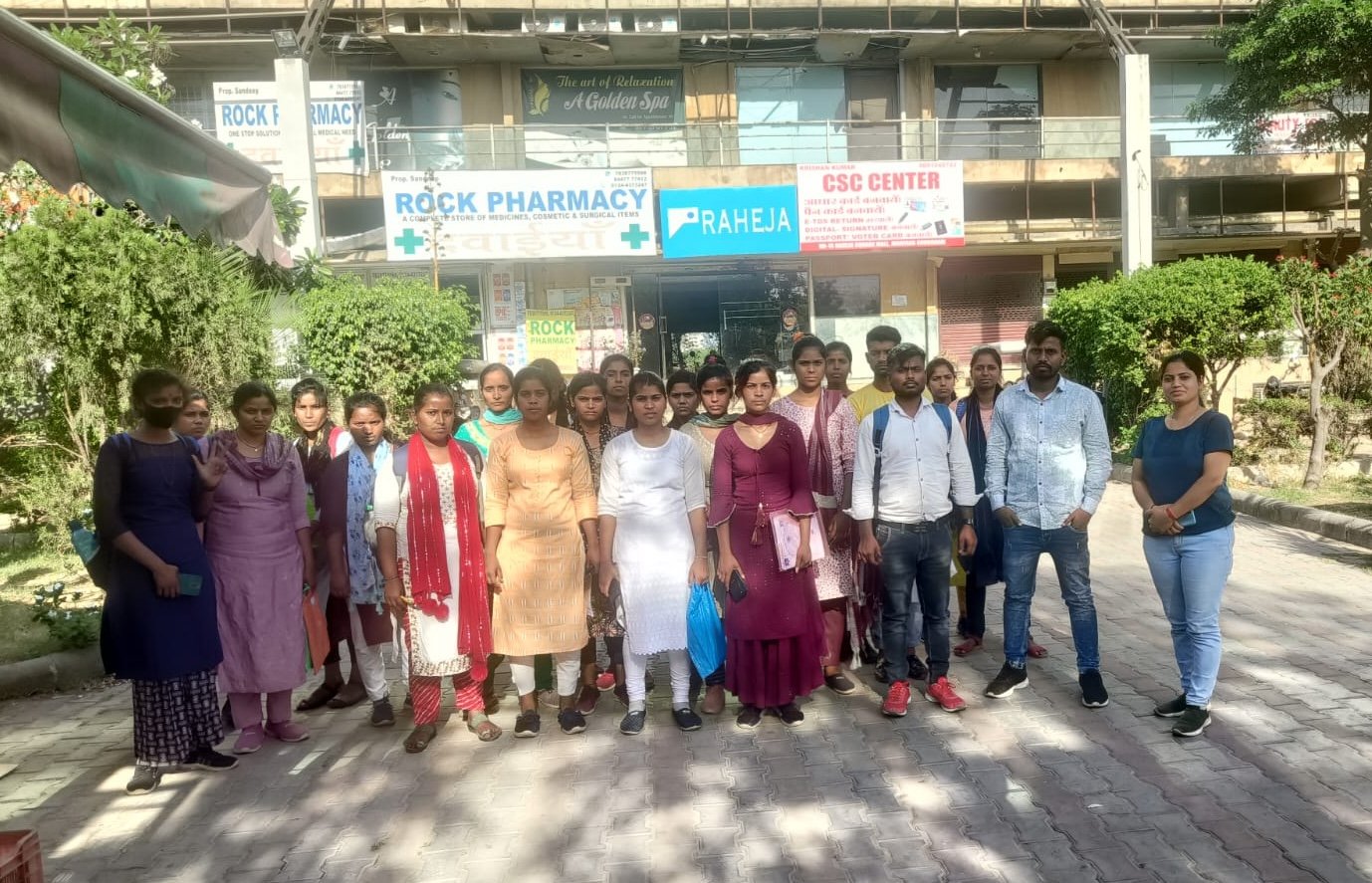
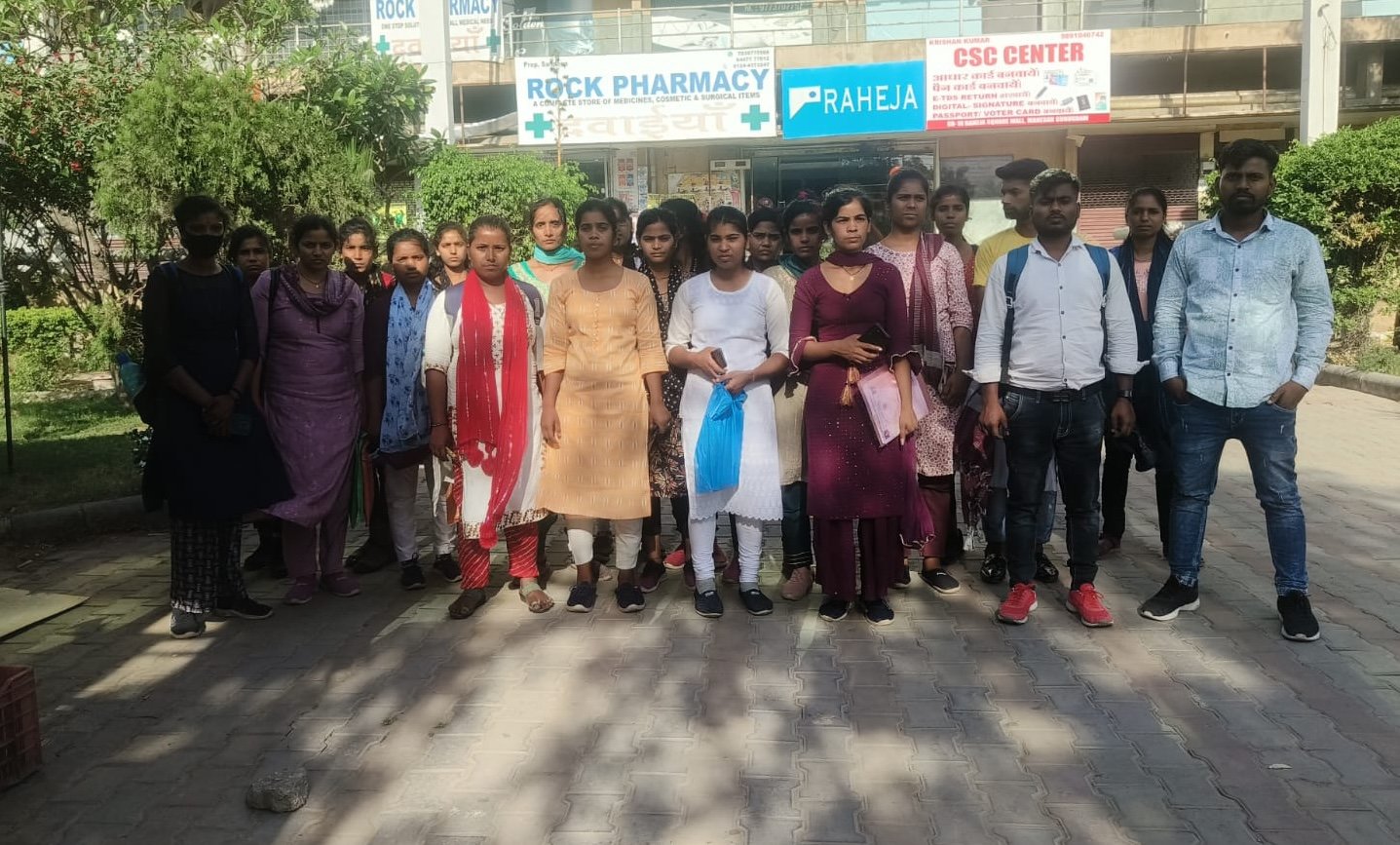
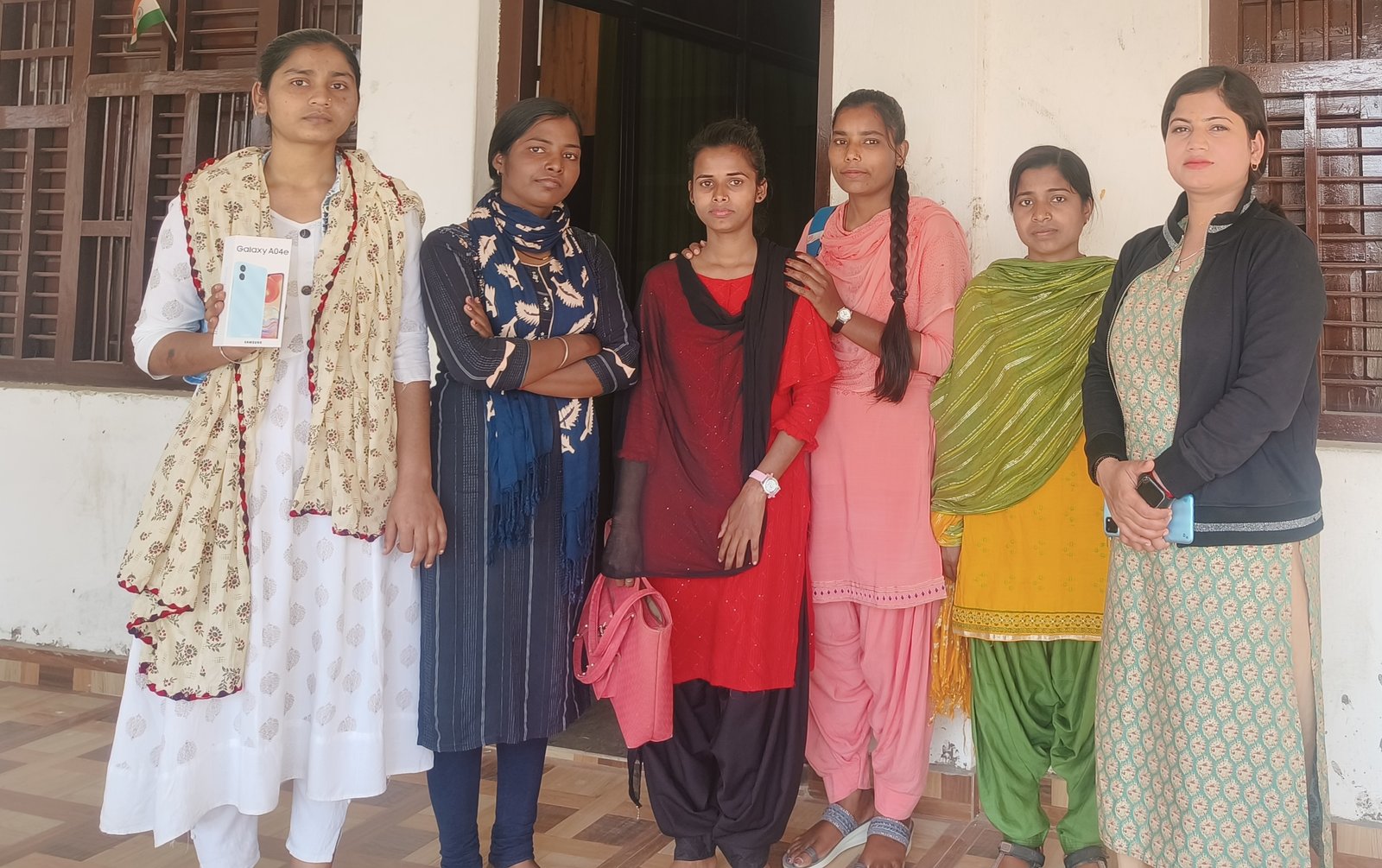


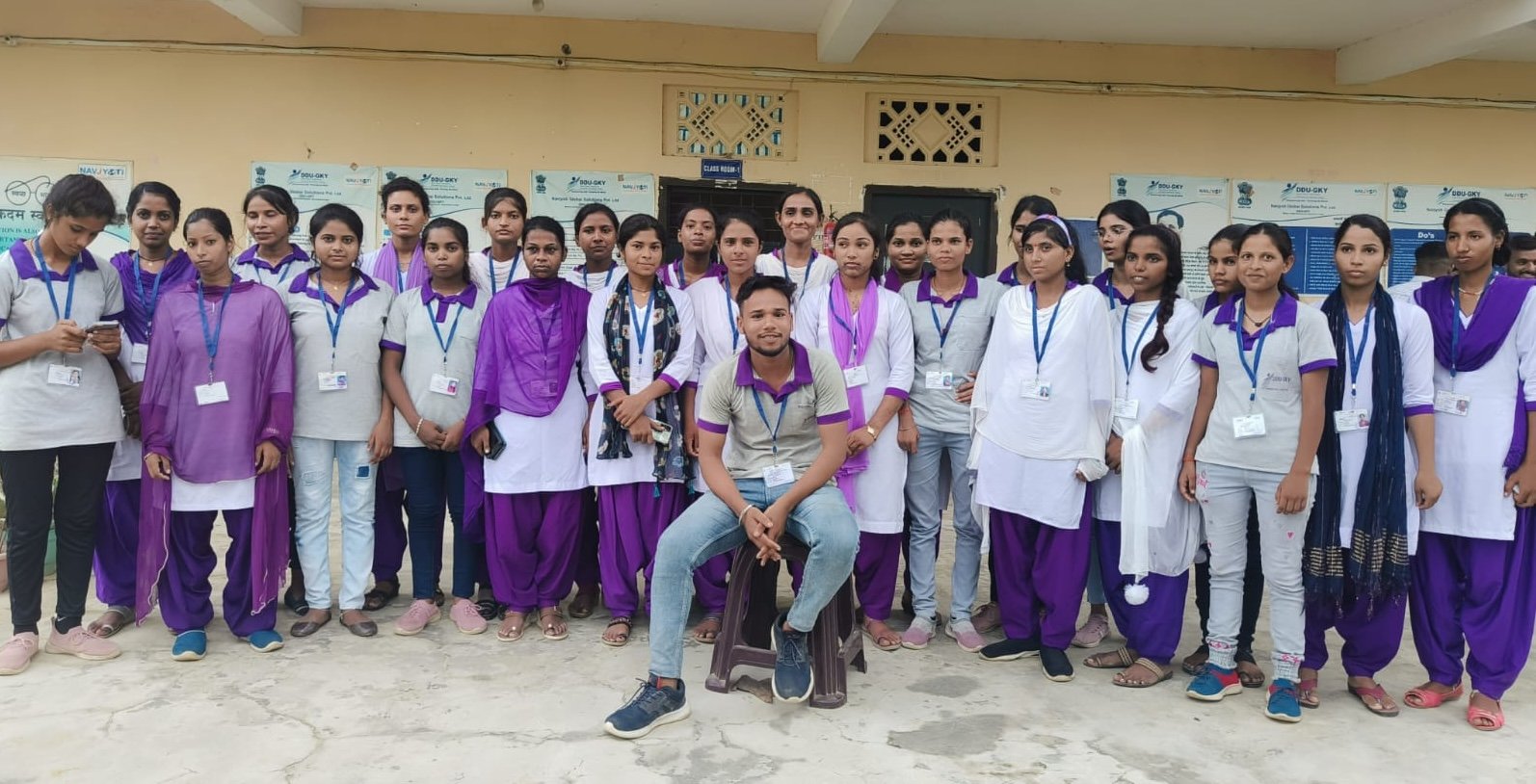

Get exclusive
access to career resources
upon completion

Mock Session
You will get certificate after
completion of program

LMS Learning
You will get certificate after
completion of program

Career Support
You will get certificate after
completion of program
Download Curriculum
Get a peek through the entire curriculum designed that ensures Placement Guidance